
How to Prep Your ID So It Never Gets Rejected in Texas Mobile and Online Notarizations
Smooth notarizations start with valid ID verification, where state laws requires strict identity confirmation before a notary can complete any remote or in-person signing. Whether you’re finalizing a real estate transaction in Dallas, completing an affidavit in Austin, or signing a power of attorney online, your ID is the key to proving who you are.
Many Texans are surprised to learn that notaries won’t even consider notarizing your documents if they don’t have a non expired ID or that their ID’s can be rejected if it doesn’t meet specific verification standards, which can delay or even cancel your appointment to sign their documents.
At N & B Street Notary Services, we’ve seen it all from faded driver’s licenses and blurry webcam captures to expired IDs and mismatched details. The good news? A little preparation goes a long way in making sure your ID passes verification the first time.
Why Texas Online Notaries Verify Your ID So Carefully
Under Texas Government Code Chapter 406, notaries must verify a signer’s identity through personal knowledge, credible witness, or an approved form of government ID. In remote online notarization (RON), this verification happens digitally through secure tools that use live video, image capture, and third-party checks.
These systems are designed to prevent fraud, identity theft, and document tampering protecting you and your transaction.
So, if your ID doesn’t pass on the first try, it’s not personal it’s protection.
How to Prepare Your ID for Texas Online Notarization: Steps 1 – 6
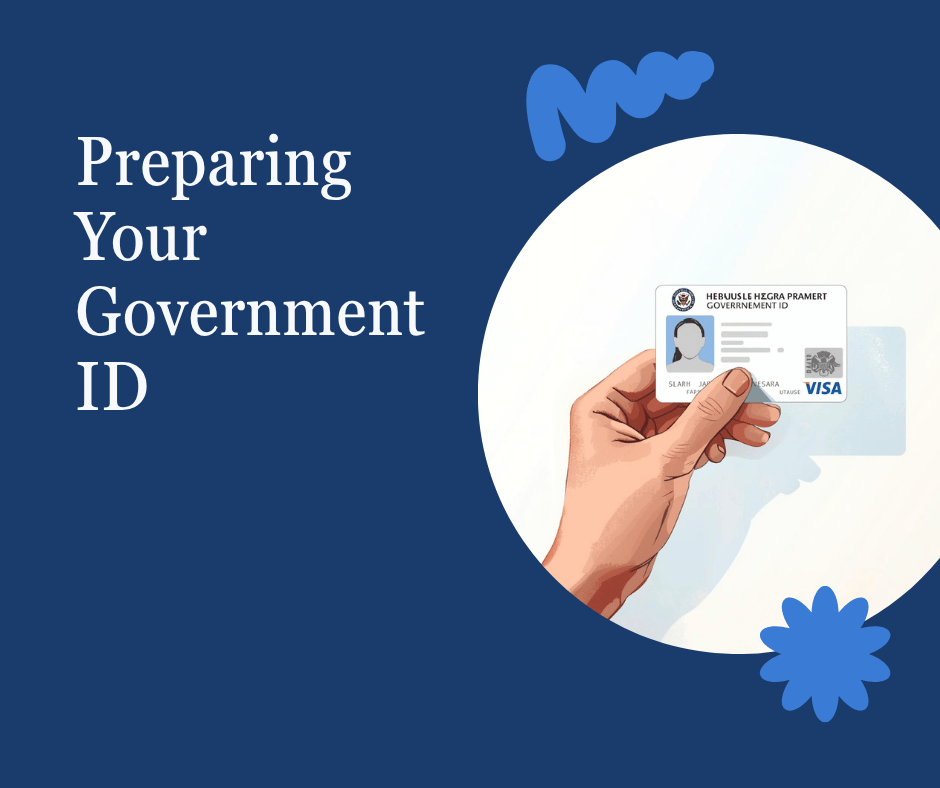
1. Use a Valid, Unexpired Government ID
Make sure your ID is active and issued by a U.S. government agency. Acceptable forms in Texas include:
- A valid Texas driver’s license or state-issued ID
- A U.S. passport or passport card
- A U.S. military ID (with visible photo and expiration date)
- A resident alien or green card (if applicable)
Avoid: Temporary paper licenses, expired IDs, or screenshots of IDs stored on your phone.
2. Make Sure Your Name Matches Your Documents
In Texas, your ID name must match your document exactly. If your name recently changed (for example, through marriage or divorce), be sure your document reflects your current legal name or have proof such as a marriage certificate ready to present.
3. Keep Your ID Clean and Readable
Smudges, scratches, and glare can interfere with digital scanners during ID verification.
Before your session:
- Wipe your ID gently with a microfiber cloth
- Avoid holding it under harsh lighting
- Use natural light or soft, even lighting from a window or lamp
4. Check Your Camera and Lighting Setup
Texas online notaries are required to clearly see your face and ID at the same time during the session.
For the best results:
- Sit in a well-lit area with no shadows
- Hold your ID steady and straight toward the camera
- Use a phone or webcam with good resolution (1080p or higher if possible)
- Keep your internet connection stable to avoid video freezes
5. Double-Check for Typos
When entering your information in the ID verification form, make sure every letter and number matches your ID exactly.
Even small errors — like a missing middle name or wrong birth year — can cause automatic rejections.
6. Keep a Backup ID Handy
If you have a second form of ID, such as a passport or state-issued card, keep it nearby in case the verification system requests additional proof.
Bonus Tip: Don’t Wait Until the Last Minute
Most verification failures happen because people rush. Take a few minutes before your appointment to:
✅ Grab your ID
✅ Test your camera
✅ Adjust your lighting
✅ Join the session on time
A quick check can prevent delays or rescheduling — saving you time, money, and stress.
Finally
Online notarization’s are legal in almost every US state and are fast, secure, and completely legal when done right. Preparing your ID properly helps your notary verify your identity quickly so your session runs smoothly.
At N & B Street Notary Services, we guide every client through a simple pre-check process before the session to ensure everything goes off without a hitch. Whether you’re signing from Houston, Dallas–Fort Worth, or anywhere in Texas, we’ll make sure your experience is professional, safe, and seamless.
Ready to get started?
Visit Notarize Online to book your next session today!